
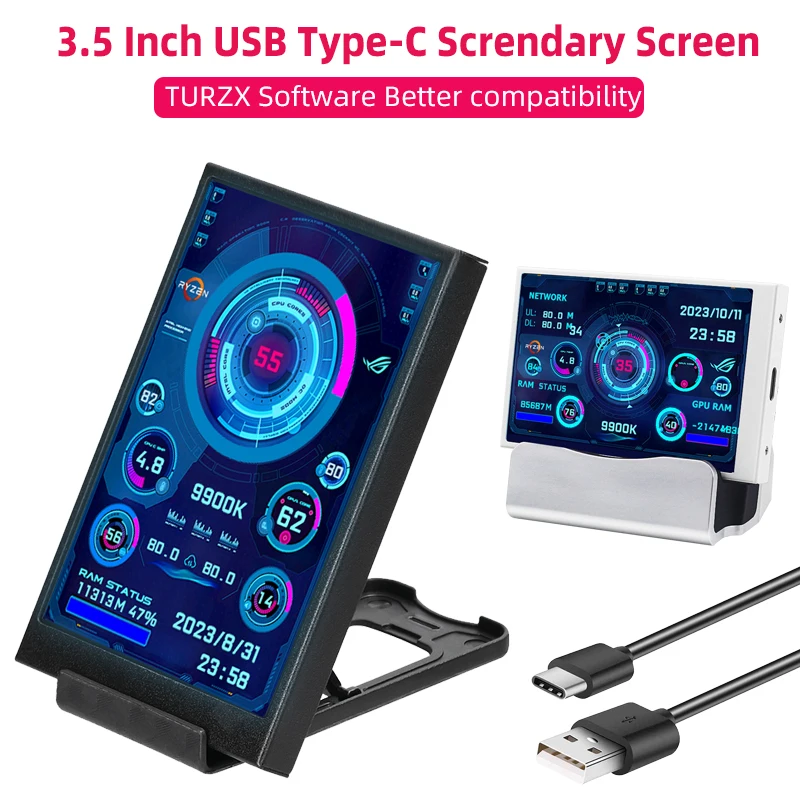
3.5 Inch Type-C Secondary Screen for Computer CPU RAM GPU HDD Monitor 320*480 IPS LCD ISB Display TURZX Software NO AIDA64
Description
SPECIFICATIONS
Accessory Type: LCD Screen
Battery Included: No
Brand Name: SHCHV
Brightness: Adjustable in software
Choice: yes
Color: Black/white
Compatible With: Comuter/Laptop/Mini PC
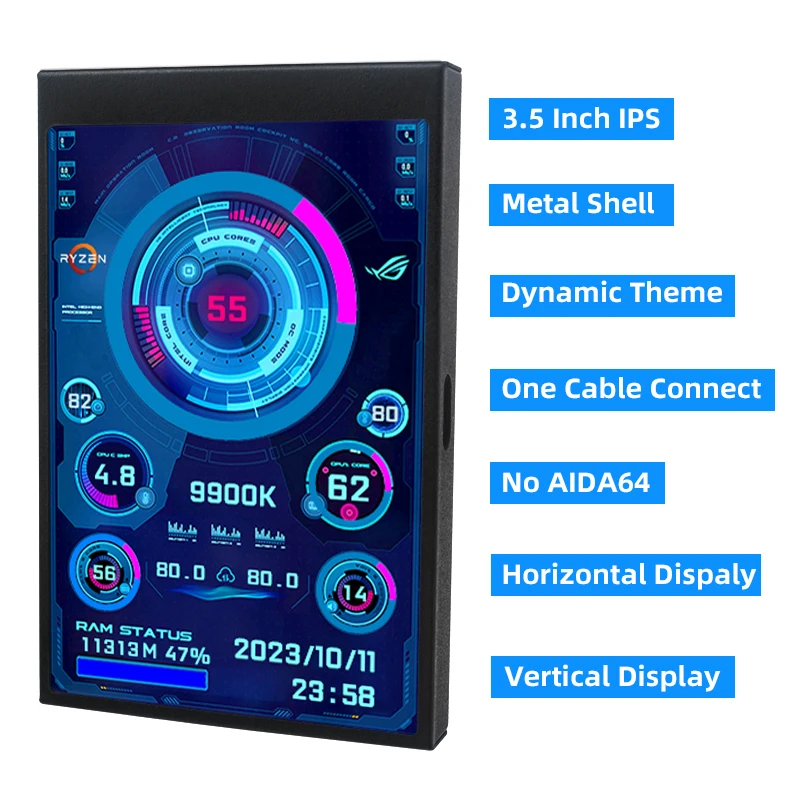
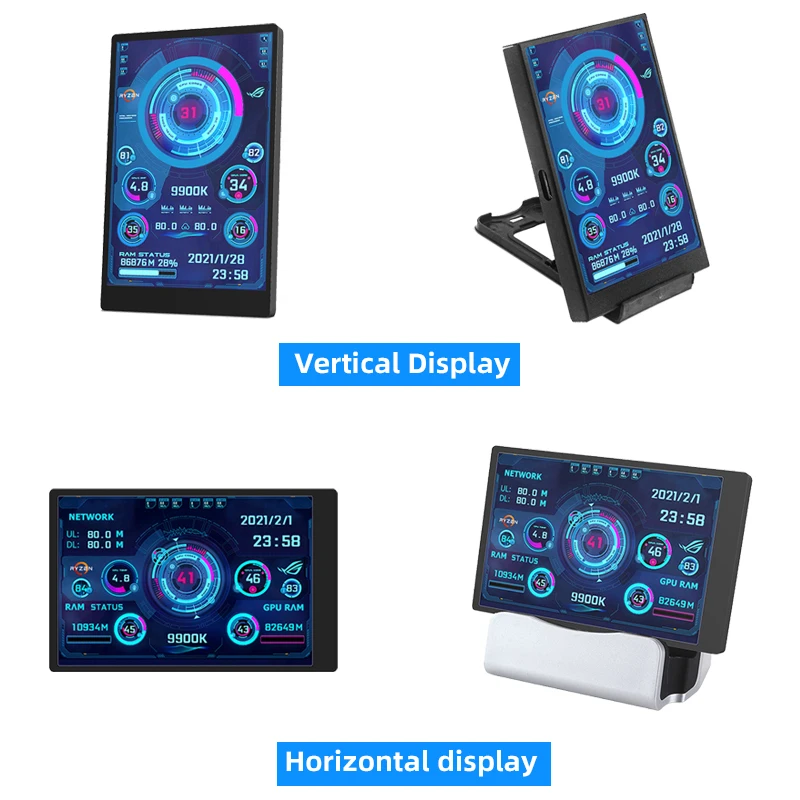
Display direction: Support screen horizontal and vertical switching
Feature: Automatically turn off the screen after shutdown – setting by software
High-concerned chemical: None
Interface: USB Type-C
Origin: Mainland China
Provide themes: Provide many themes in download file
Resolution: 320*480
Screen panel: IPS
Size: 3.5 inch
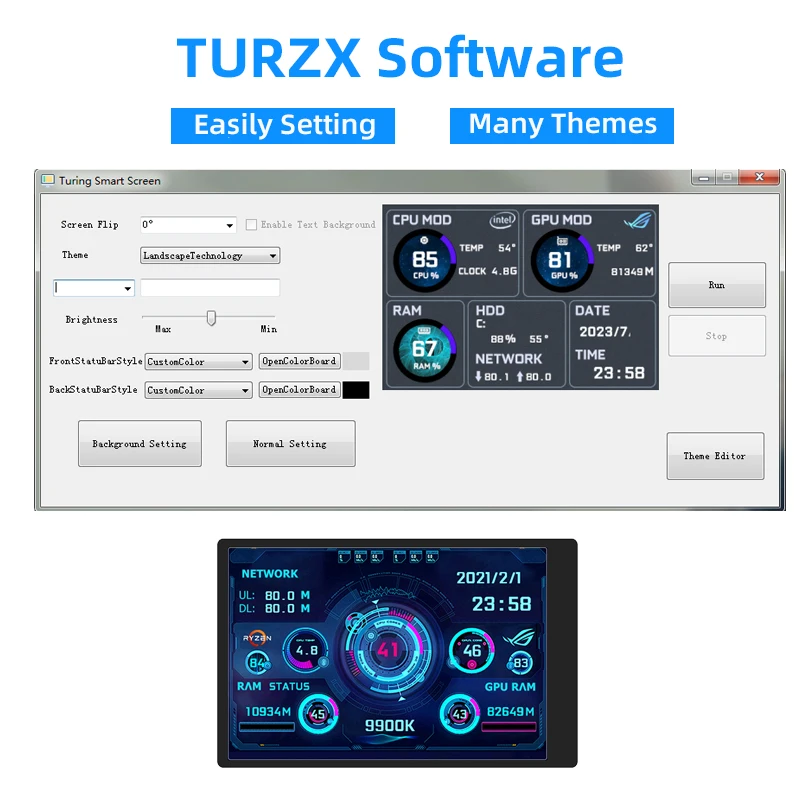
Software: TURZX
Software feature: Better compatibility
Theme editing: Support user edit theme
Typical Application Fields: Education and Learning
TURZX Software Download
https://drive.google.com/drive/folders/1KMiDKiGRQc3uLGeVeZ–59YLoGJu5pUN

Product parameters
Display area: 49*74mm
Size: 55*85mm
Resolution: 320*480
Thickness: 7 –8 mm
Viewing angle: ips full viewing angle
Interface: USB-TYPEC
Shell material: metal
Features
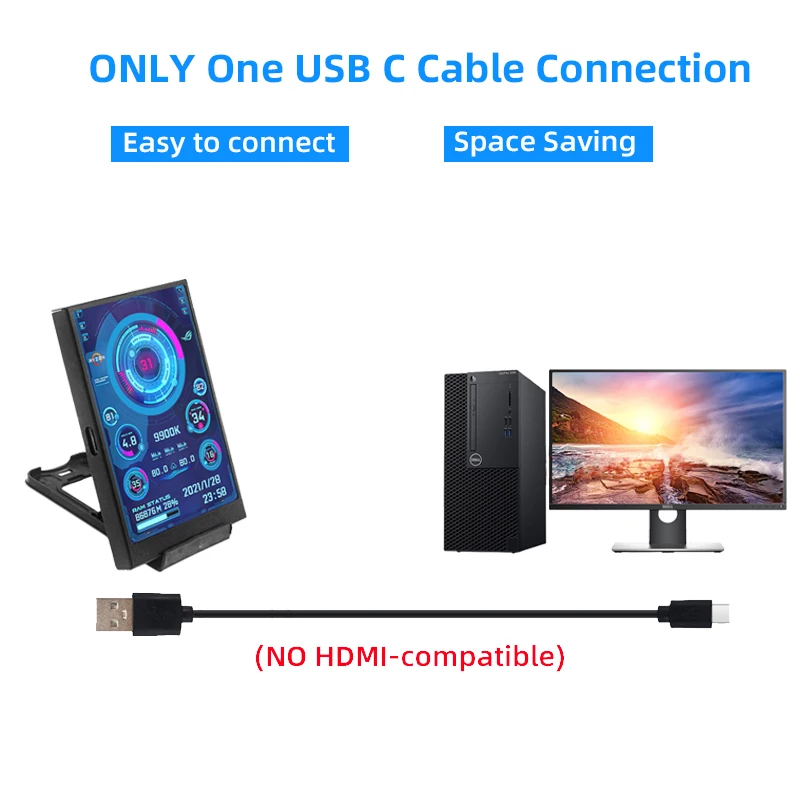
Works with just one usb type-c cable, no hdmi cable required
Windows only (we recommend Windows 10 and Windows 11, some Winodws7 systems are not compatible)
Use built-in software, no need for aida64
Support screen horizontal and vertical switching, 360 ° rotation
Energy saving and environmental protection
Automatically turn off the screen after shutdown
Comfortable eye protection
Stepless brightness adjustment
Type-C is connected to the secondary screen, USB is connected to the computer, comes with a rice cable
Professional software, one-key operation and one-key switching
Background image one click
switch themes
Brightness adjustment auto-start
Set city weather forecast
Software download link
software:
https://lgb123-1253504678.cos.ap-beijing.myqcloud.com/35inchENG.rar
wallpaper:
https://lgb123-1253504678.cos.ap-beijing.myqcloud.com/Wall.rar
How to Use
Connect the mini secondary screen to the computer, then start our custom software, no need for aida64, no other complicated settings
What's In the Box
1 x 3.5 inch monitor
1 x USB cable
1 x Double sided tape
1 x Plastic bracket


Packing List
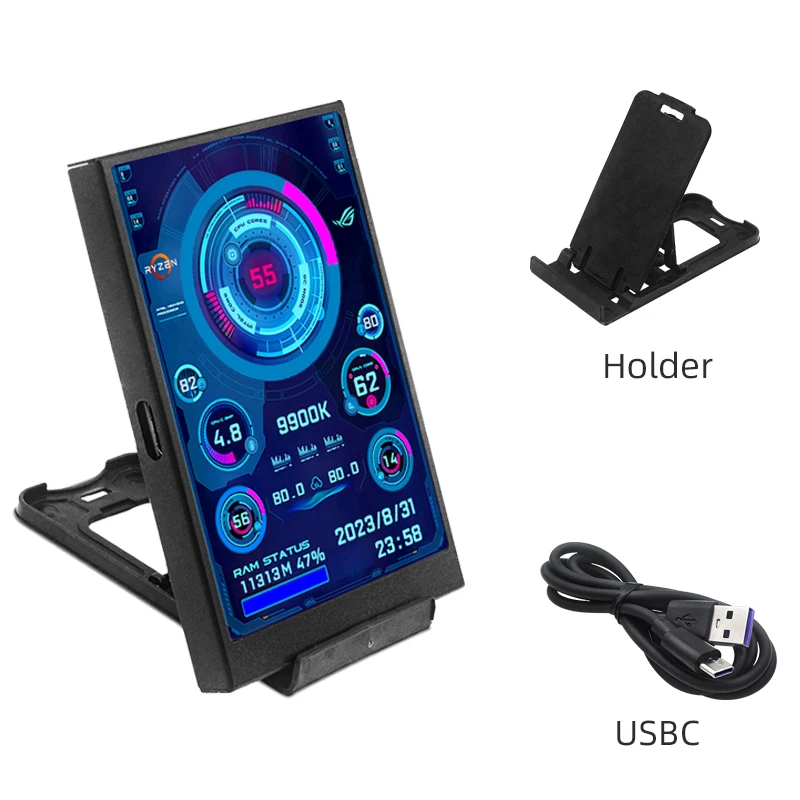
Black Screen
1 x 3.5 Inch USBC IPS Screen Black
1 x USB C Cable
1 x Holder

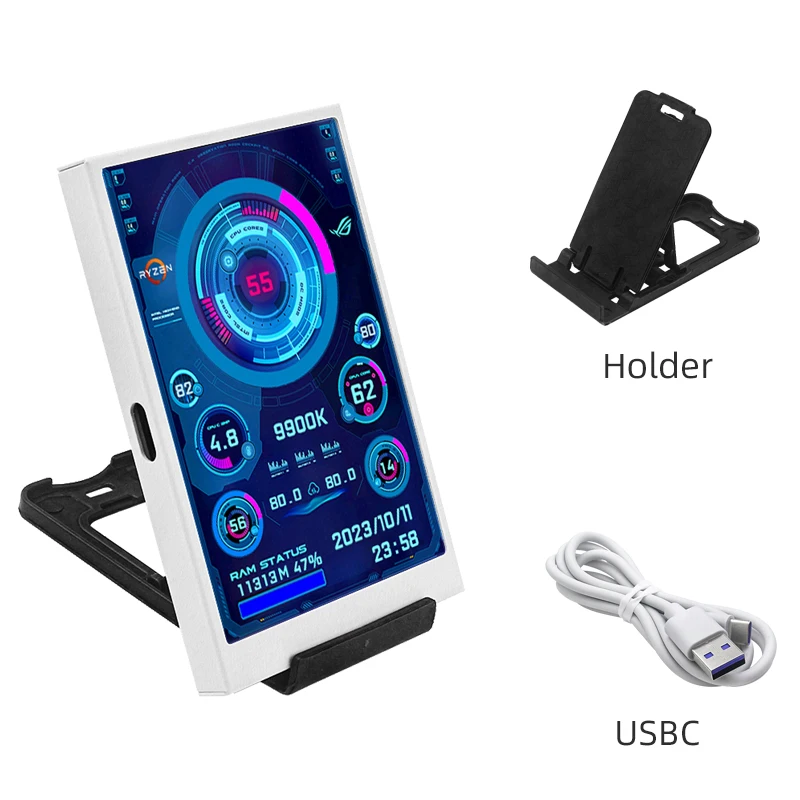
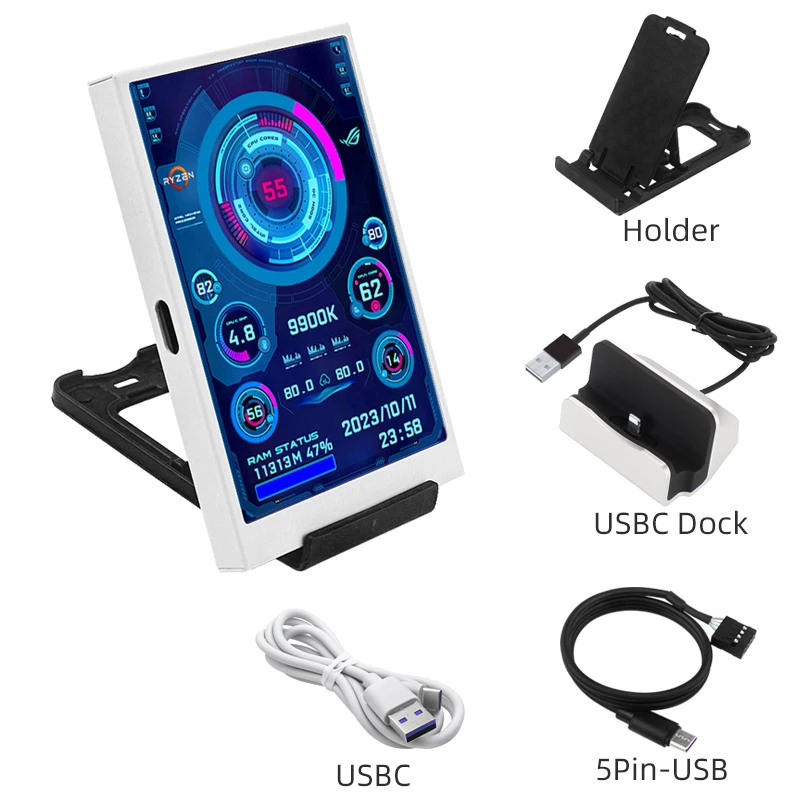
White Screen
1 x 3.5 Inch USBC IPS Screen White
1 x USB C Cable
1 x Holder

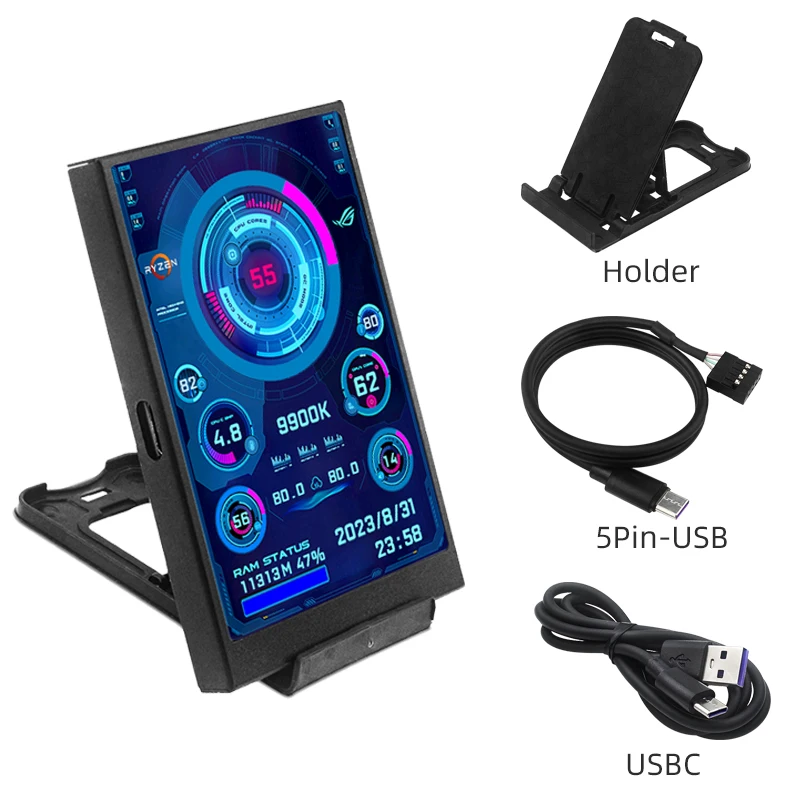
Black Screen-5Pin
1 x 3.5 Inch USBC IPS Screen Black
1 x USB C Cable
1 x Holder
1 x 5Pin to USBC Cable
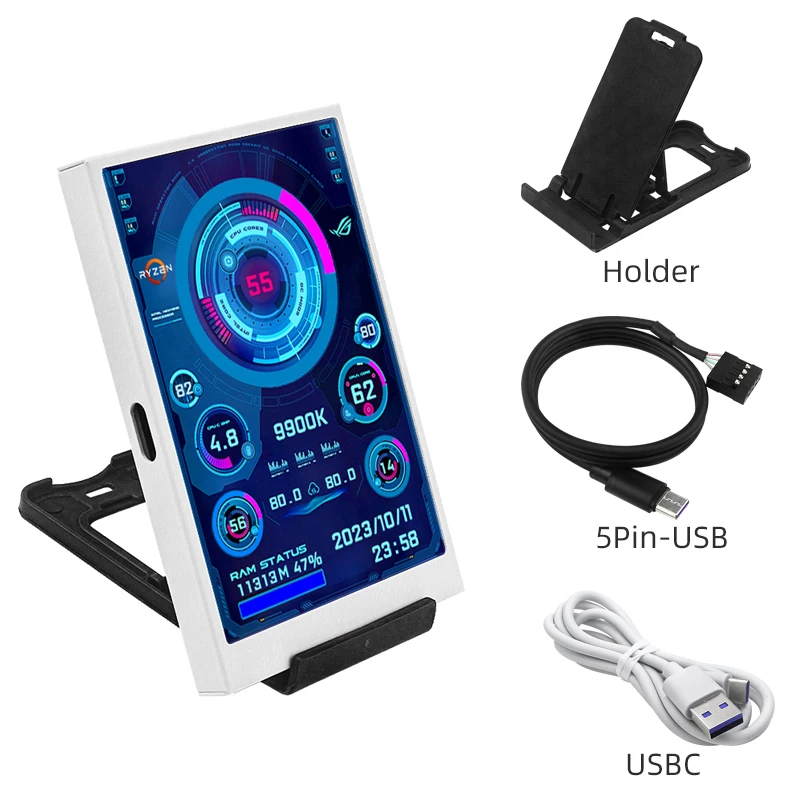
White Screen-5Pin
1 x 3.5 Inch USBC IPS Screen White
1 x USB C Cable
1 x Holder
1 x 5Pin to USBC Cable

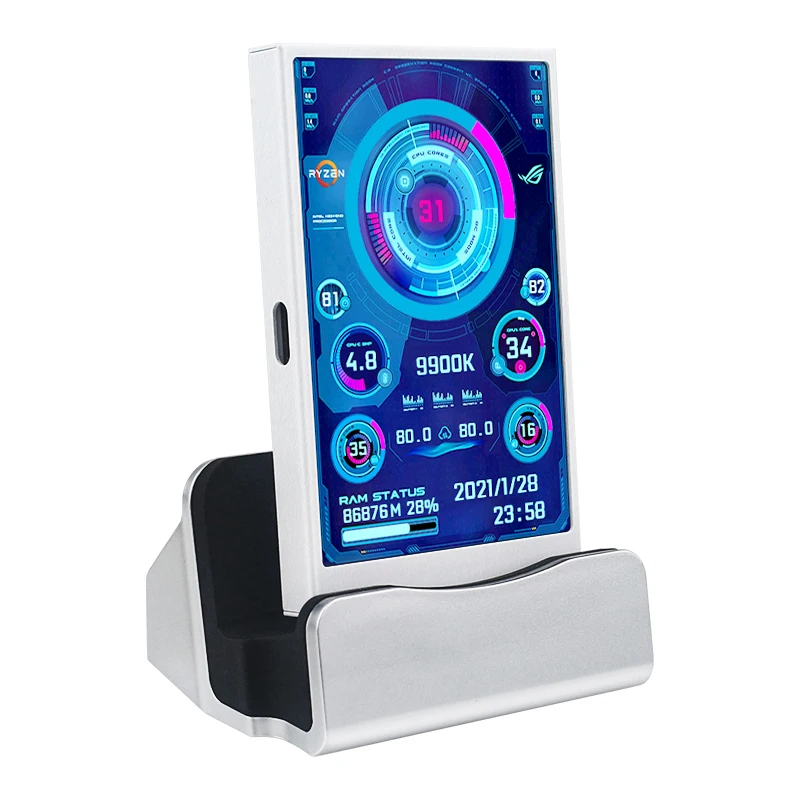
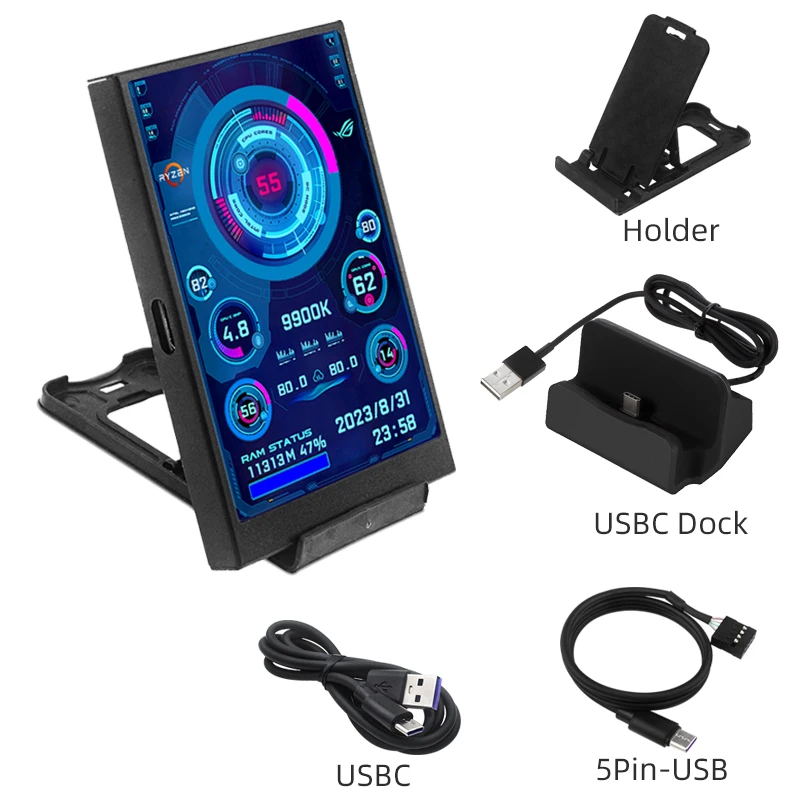
Black Screen-Dock
1 x 3.5 Inch USBC IPS Screen Black
1 x USB C Cable
1 x Holder
1 x 5Pin to USBC Cable
1 x USBC Dock

White Screen-Dock
1 x 3.5 Inch USBC IPS Screen White
1 x USB C Cable
1 x Holder
1 x 5Pin to USBC Cable
1 x USBC Dock

FAQ
1. Why does the graphics card data not move?
The average laptop user typically uses a separate monitor in standby and only uses the core monitor to save power, while the secondary monitor monitors the most important separate monitor. Of course, the graphics card monitoring data has not changed.
2. Can other content be displayed?
No, only the content of custom software settings can be displayed
3.USB interface version?
USB1.0 USB2.0 USB3.0 unlimited as long as it is USB
Additional information
| Color | Black-5Pin, White, Black, White-Dock, Black-Dock, White-5Pin |
|---|
Only logged in customers who have purchased this product may leave a review.


Related products

Reviews
There are no reviews yet.